Ocean UI Model Gallery
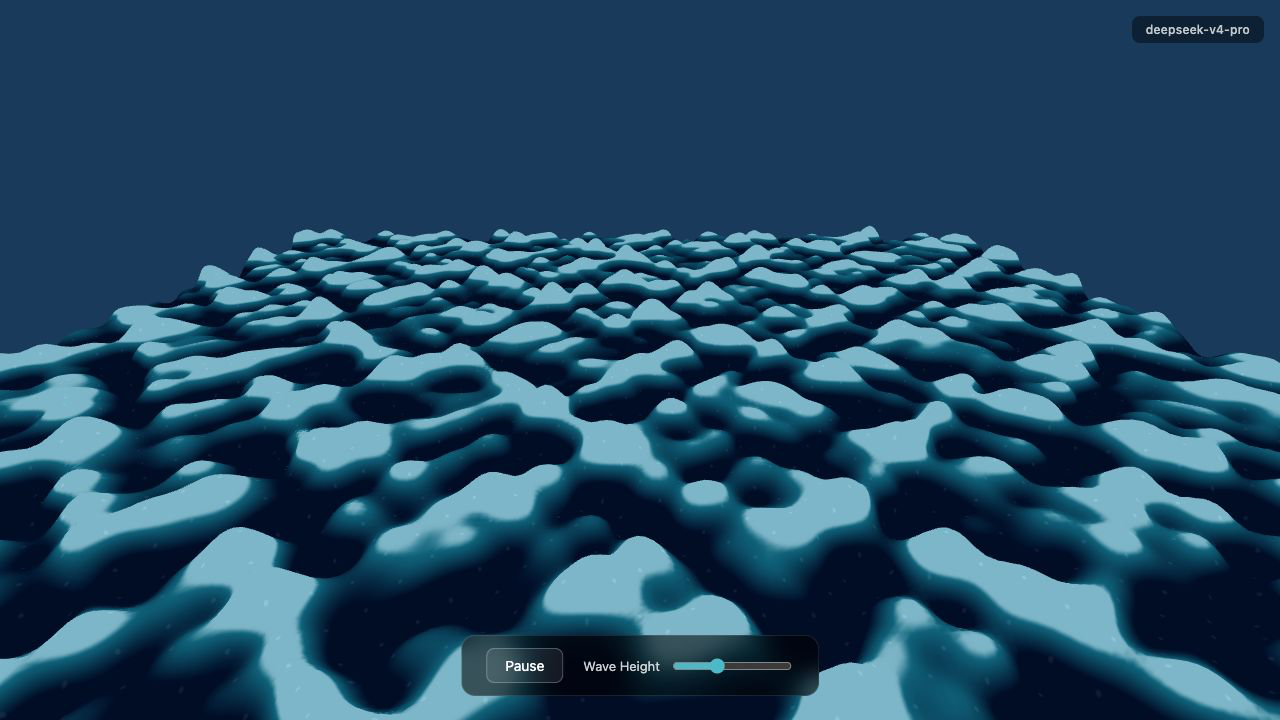
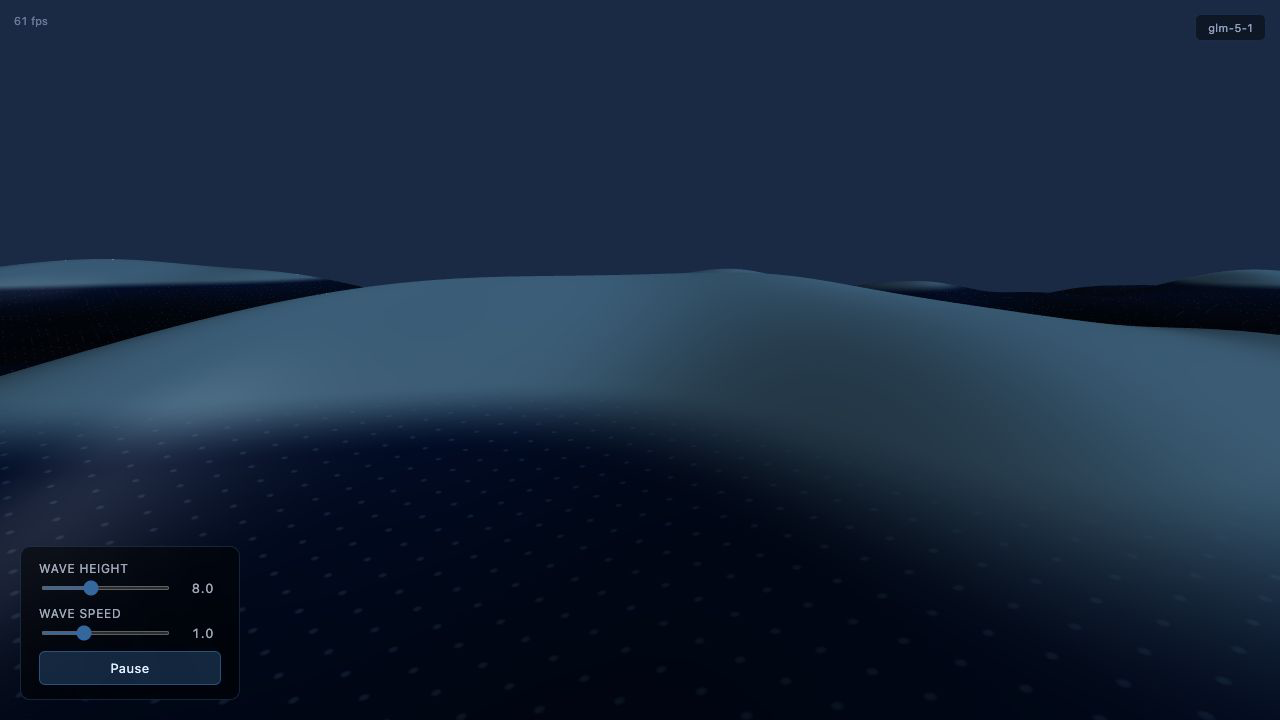
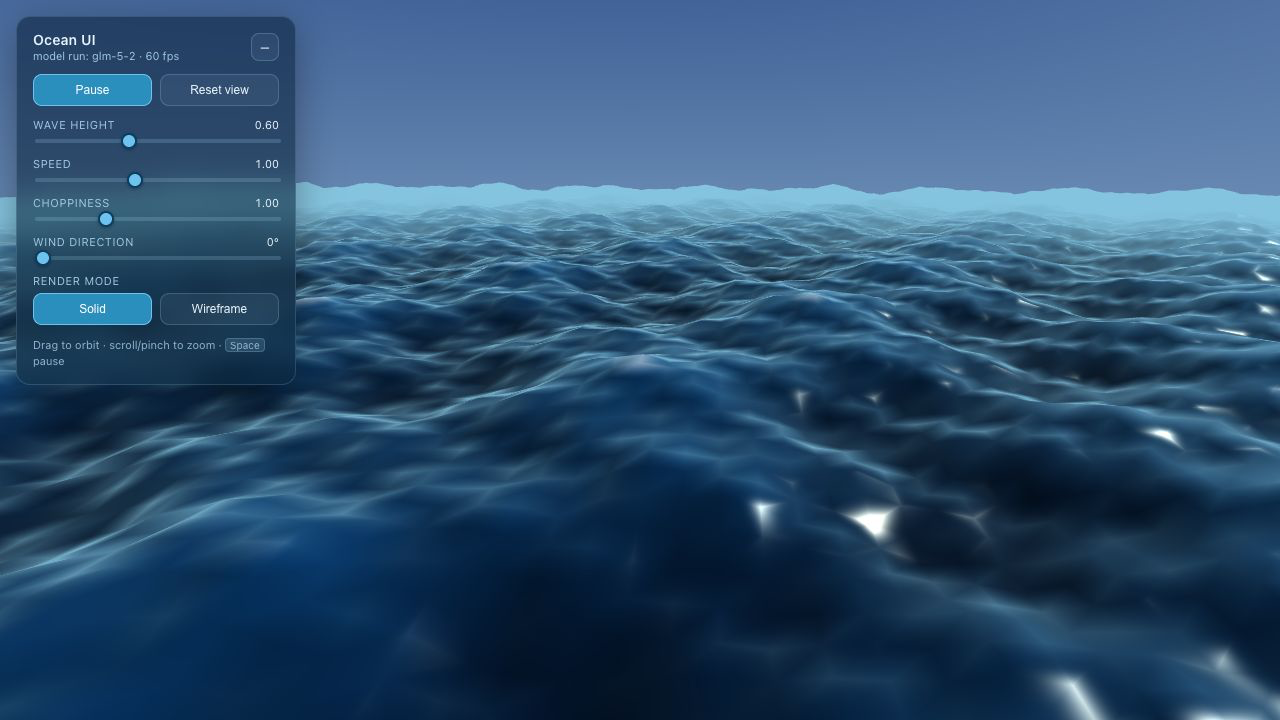
Same blank Vite + Three.js starter, separate opencode runs, then static Cloudflare Pages bundle. Open any card to inspect the interactive WebGL ocean written by that model.
Shared Prompt same input for every model
You are implementing a UI benchmark artifact.

Build a single-page Vite + Three.js WebGL demo that renders an animated ocean as the primary experience.

Requirements:
- Use Three.js WebGL. The ocean must be an actual rendered scene, not a static image, CSS-only effect, or SVG-only illustration.
- Make the first viewport a usable app/demo, not a landing page.
- Include visible UI controls for at least pausing/resuming animation and changing one ocean parameter such as wave height, speed, wind, or render mode.
- Include a small label showing the model/run identity. Use the model name from the directory name if you can infer it; otherwise use "model run".
- Make it responsive at desktop and mobile widths.
- Keep dependencies limited to what is already in package.json unless you have a strong reason.
- Run `npm install` if needed, then run `npm run build` and fix any build errors.

Constraints:
- Work only inside the current directory.
- Do not inspect parent directories or sibling runs.
- Do not copy code from outside this directory.
- Do not add screenshots, binary assets, or generated build output to source files.
- Keep the implementation in `src/main.js` and `src/styles.css` unless another file is clearly needed.

When finished, summarize what you built and the commands you ran.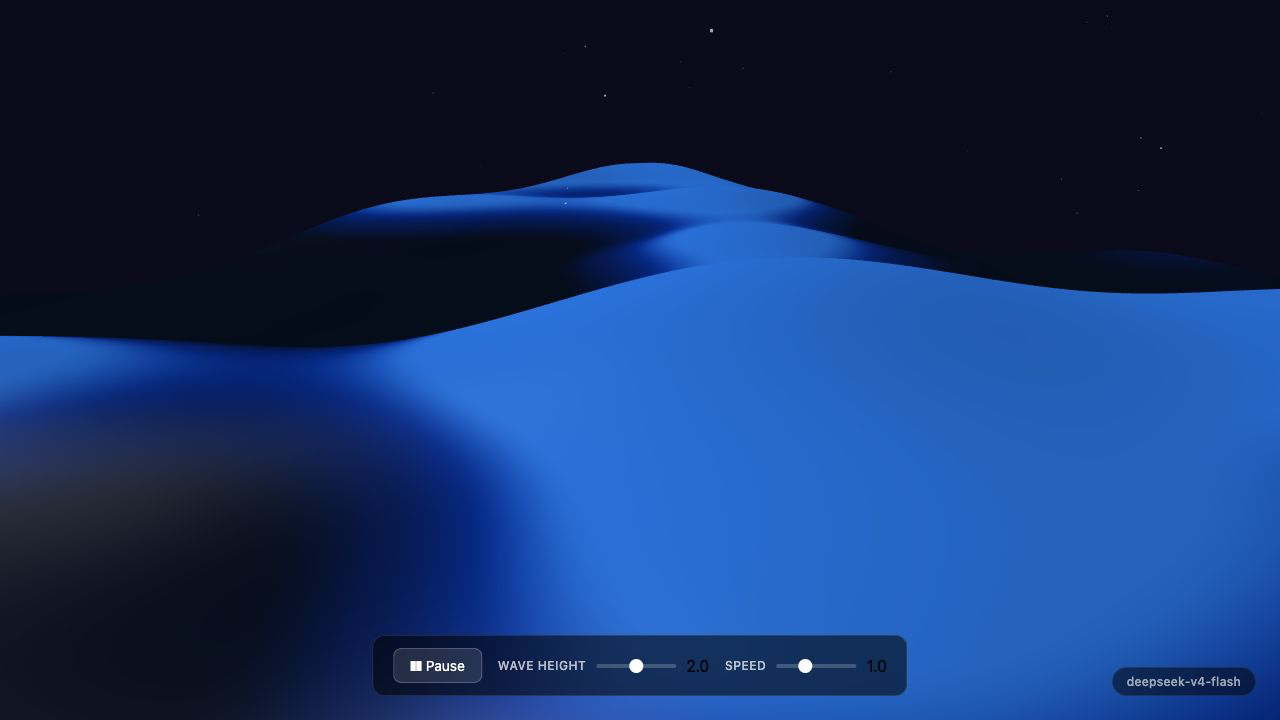
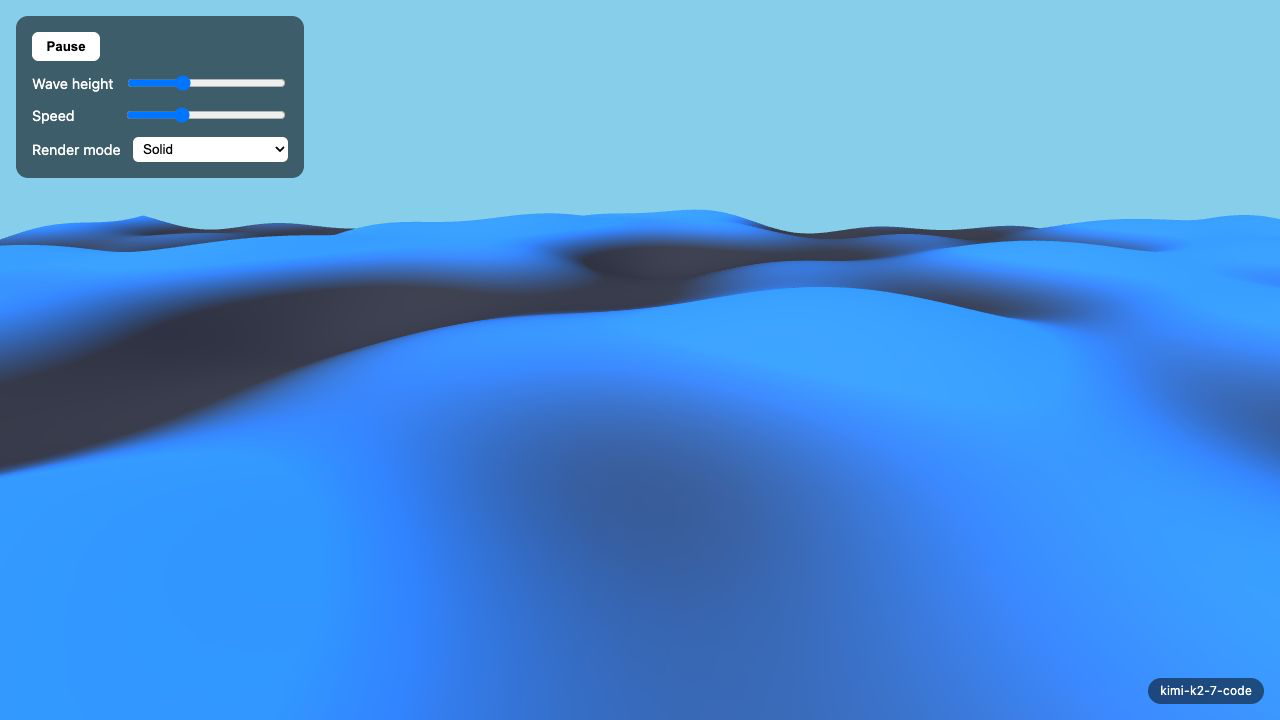
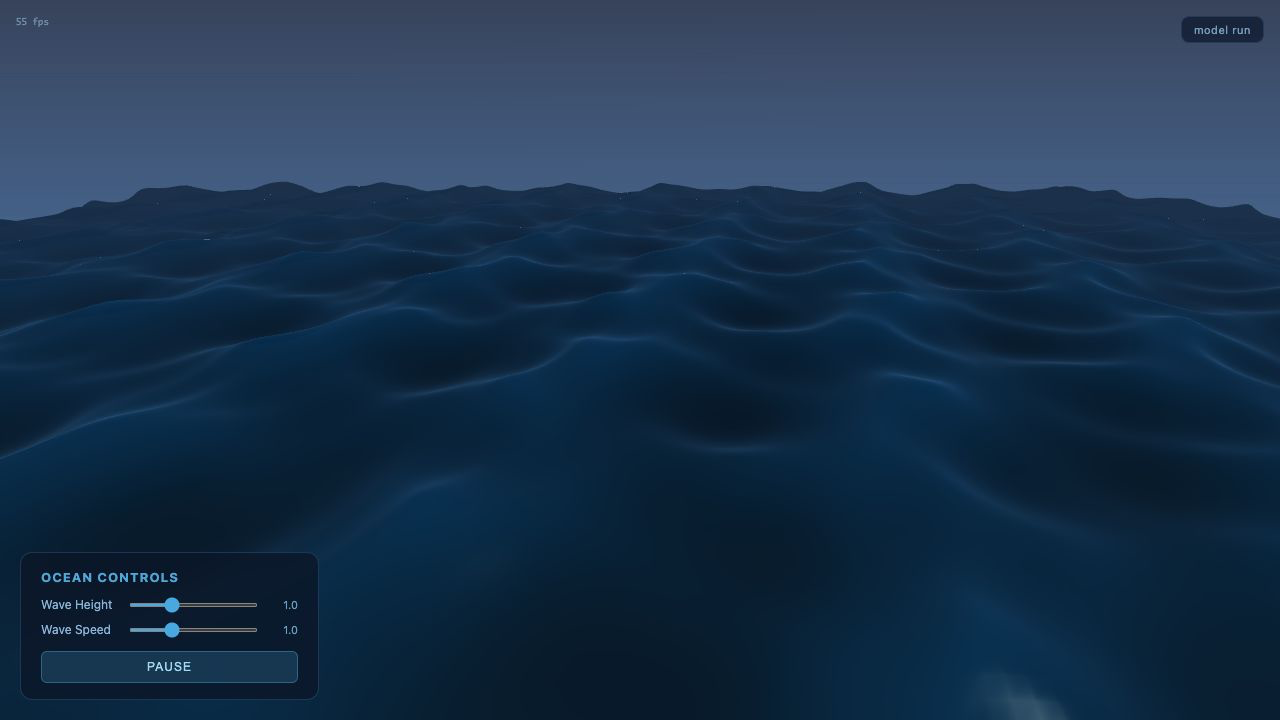
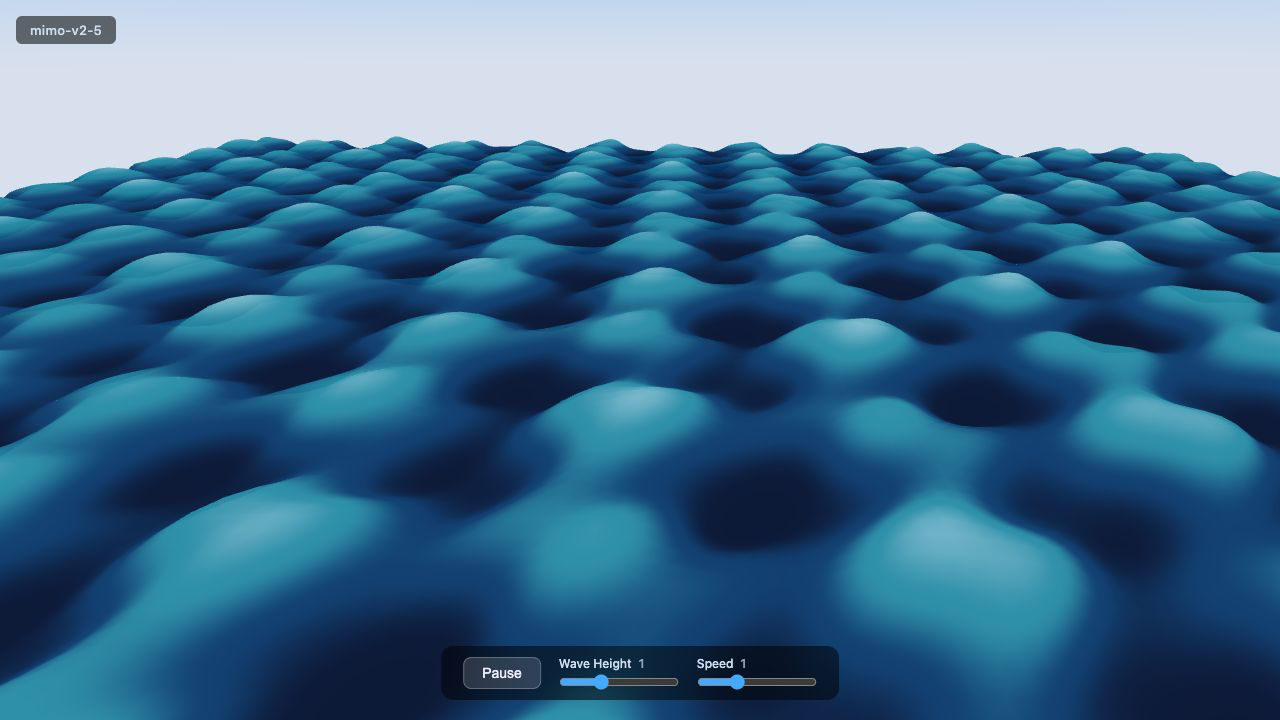
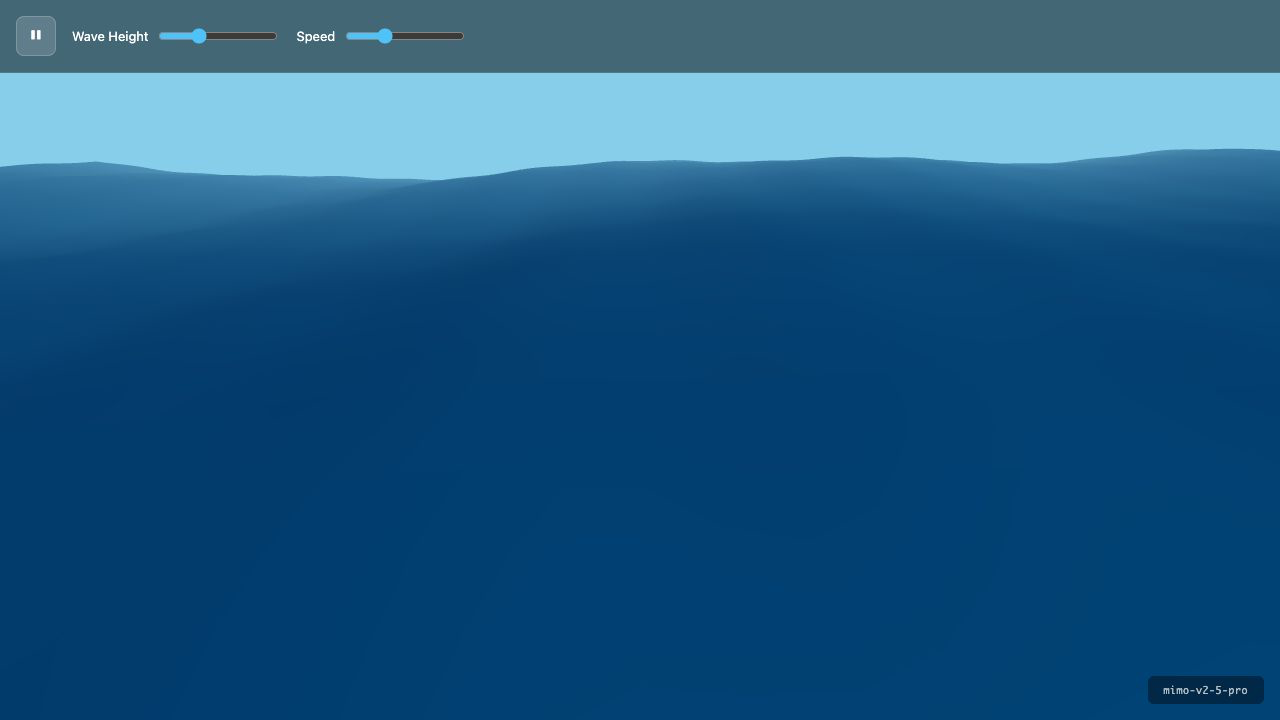
stalled before source edits
No App
Code